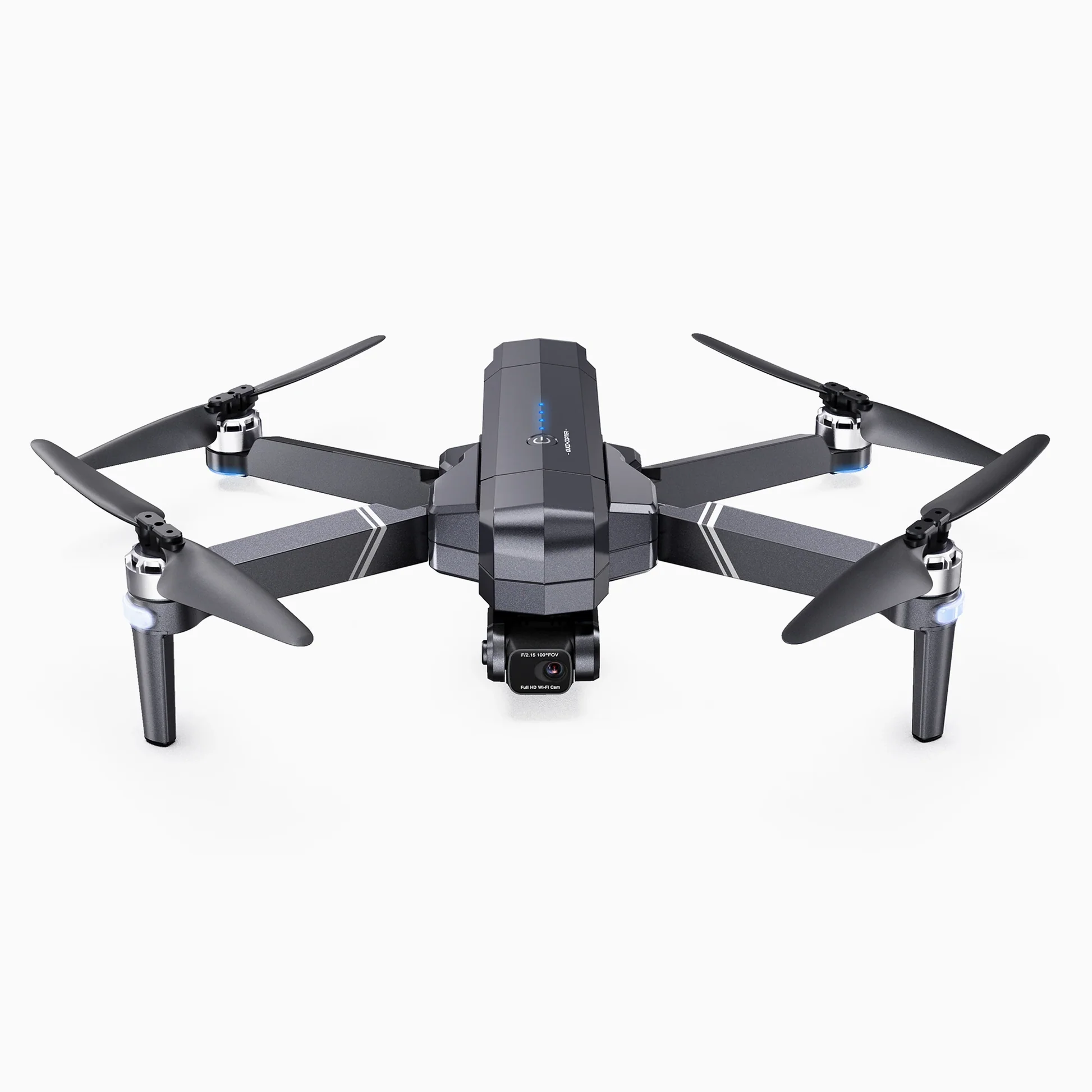
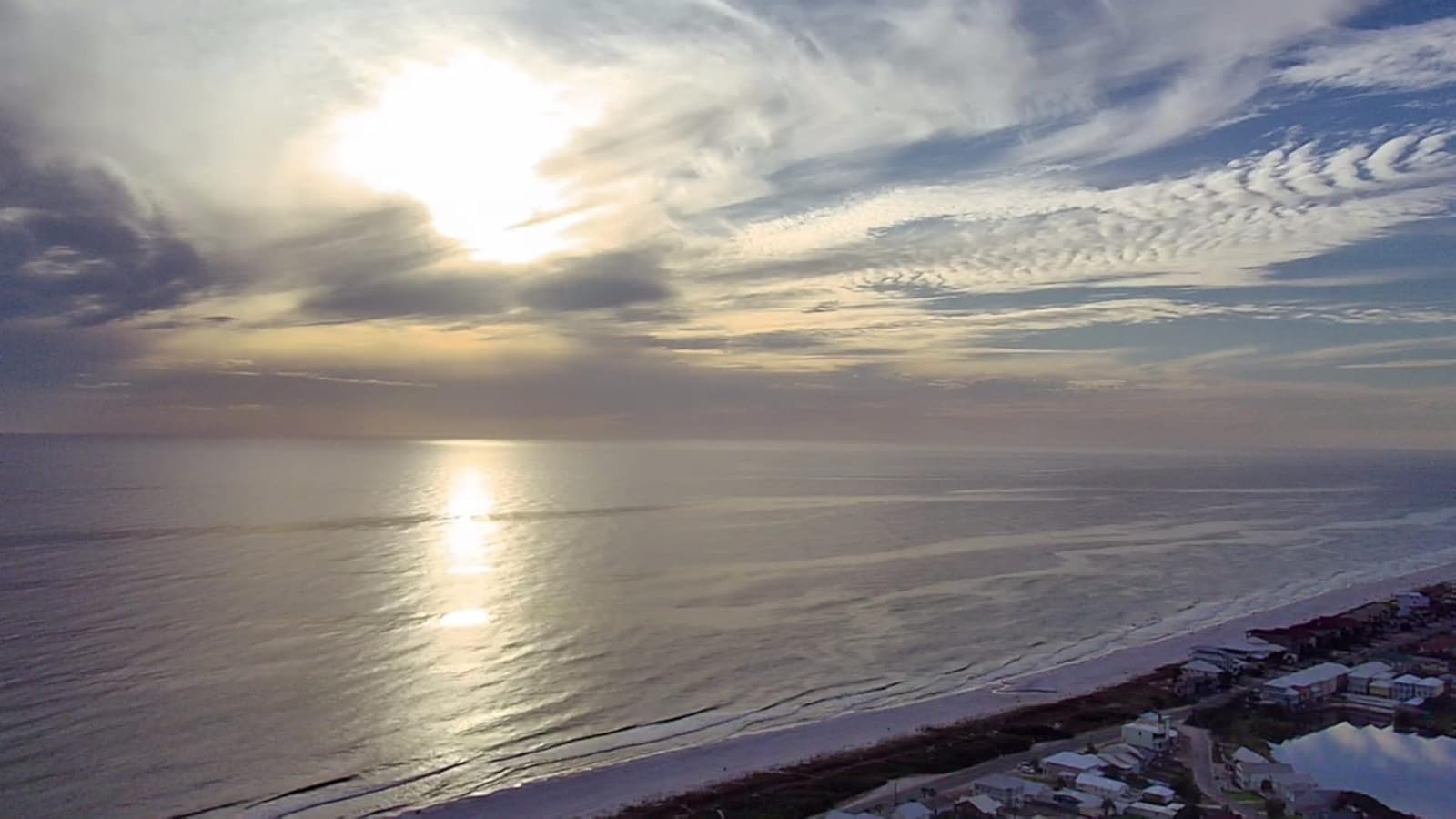
The F11Gim2. Pros and cons..This is a an update to a previous review after quite a few hours of flight time in various conditions. I found that the features that are listed all work as they should after I grasped the understanding and fully testing the unit. The device I use is an older android Samsung Galaxy S7 phone.First, the Pros...The app download, the connectivity between all three components, the calibration, the controller use and feel which is quite sensitive, are all very easy to operate even for beginners with ample amount of low altitude practice flights.The quad is very sturdily built and the feel of quality is prevalent at the very first look.Flying features in the app are sufficient and set up is easy during pre- flight review operations. The wifi and GPS signals, of course depending on the flying environment, appears adequate as I have not lost any signals during my VLOS flights. I've not experienced any video transmission issues to the app and device which are quite clear, and even more clear recorded on the on board SD card. I use the aircraft for construction inspections so I'm not needing cinematic videos but the resolutions I get are very good. I imagine using a video editing software would enhance the quality even more. The camera is almost amazingly stable during normal and in moderately windy conditions, in all 3 speed modes, although camera mode appears to work the best. The very most important pro is the RTH function for the low battery which I do not solely rely upon on every flight, but have definitely tested it several times and has always functioned properly as you should set up the parameters during pre-flight checks. Manual RTH is useful as well. I have not tested the Signal loss RTH while flying at VLOS, for me is1000 yards distance max, and at times the 394ft altitude max.Overall, I am really satisfied with the performance, operation, and quality of this system.Now for the Cons. There are very few. These are solely preferences.Auto Take Off.For me, I rely on hand held launching and landing as most times I don't have a suitable site for these operations. The auto take off is a 3 step operation in which the motors have to be manually unlocked to enable the mode which takes both hands, but I have devised a work around. The battery life and charging time. Depending on conditions, 12 to 22 minutes with a charging time of 4-5 hours. Extra batteries should be considered. The RTH landing is smooth but sometimes off the launch location by 2-3 ft. This system is to the original launch location not to the controller location. Not bad for the Cons. None are deal breakers...Last but certainly not least...Customer support. This is a particular shout out to FLORA. My experience with Ruko has been absolutely excellent. Many emails with questions, issues, concerns and feedback were returned in hours and at times instantaneous. I dealt with one representative, Flora, though every correspondence which was knowledgeable and professional and patient, and never lost sight of the ultimate goal. This should be what all customer support people be judged by.My Overall satisfaction and perception of value is very high, and will consider an upgrade to a more professional aircraft when Ruko designs one.I hope this all helps when deciding on a mid price range UAS and definitely not a toy.The photos submitted are wifi signal photos auto uploaded to my device.